
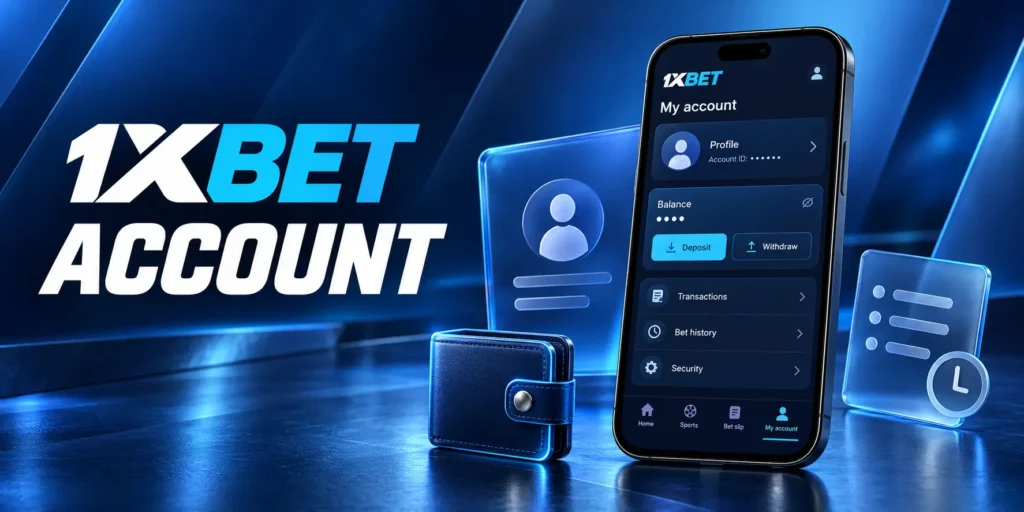
Managing your 1xBet personal account, including profile settings, balance, transaction history, and betting history. This guide covers verification, password protection, two-factor authentication, spending limits and account closure or recovery. Follow the instructions to review your settings and resolve account questions.
Personal Cabinet Guide
Your 1xBet account is the personal area where you manage your profile, funds and betting activity after signing in. Combine features to view account information, make deposits, submit withdrawal requests and track transaction status.
The personal cabinet is also where you can find your account identifier, complete requested profile details and access available security settings. Your displayed balance and payment history serve different purposes: the balance shows funds recorded in the account, while transaction records help you follow individual deposits and withdrawal requests. Bonus conditions, unsettled bets or account checks may affect which funds are available to withdraw.
Access to your 1xBet personal account through supported website and app interfaces.
This guide explains how to navigate the personal cabinet, keep your details accurate, review activity and manage account access. Also cover verification and support enquiries, including what information to retain when a transaction or account setting needs investigation.
Personal Account Overview
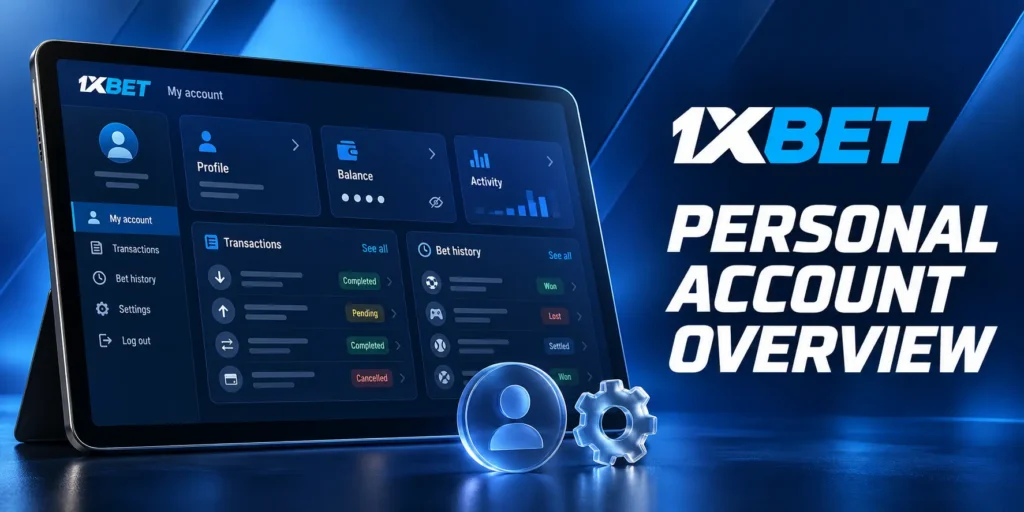
Organise your personal account around profile information, funds and activity records, helping you check both your current account details and individual transactions.
| Account area | What you can review | What to check | Useful details for support |
| Profile | Account identifier, personal details and linked contact information. | Accuracy, outstanding fields and any confirmation requests. | Account ID and the field or notice concerned. |
| Settings | Available access, security and interface preferences. | Which controls are offered and whether a change requires confirmation. | Setting name and any error message. |
| Balance | Funds recorded in the account and any separately displayed bonus funds. | Currency, balance category and the amount available for the intended action. | Relevant balance, time and associated transaction reference. |
| Transaction history | Deposit and withdrawal records, with the details and statuses provided. | Amount, method, date and whether processing is complete. | Payment or withdrawal reference. |
| Bet history | Accepted bets and their recorded outcomes. | Selection, stake, accepted odds, settlement status and return. | Bet reference and the specific selection in question. |
Profile Data and Settings
Your 1xBet profile contains the information associated with your account. Checking it after registration and whenever your contact details change.
Enter personal information accurately so it matches any documents requested during verification. Keep access to your linked email and phone, since they may be used for confirmation or recovery. If a field cannot be edited, contact us through an official support channel rather than opening another account.
Review the settings available in your interface for password management and additional authentication. Follow any confirmation instructions when changing a setting, and check that the update was saved before leaving the page.
Balance and Transaction History
Your 1xBet balance shows the funds recorded in the account, but it does not necessarily represent the amount you can withdraw. Unsettled bets, promotional conditions or account restrictions may affect how funds can be used.
If an entry is unclear, retain its reference and ask us to explain the status. Check the date range or filters offered by the interface before concluding that a transaction is missing.
Bet History
Your 1xBet bet history lets you review accepted wagers and follow their settlement. Check the recorded selection, market period, stake and accepted odds when comparing a bet with an event result.
For accumulators and systems, examine the individual selections as well as the overall return. A void selection or a partially successful system can affect the calculation without making the entire ticket a winning bet.
If you dispute a settlement, give us the bet reference and identify the specific market concerned. Include the relevant event details and consult the applicable sport rules, particularly for extra time, interrupted matches or player-participation conditions.
Account Verification on 1xBet
Use 1xBet verification to check your identity and relevant account information. Follow the request issued for your account, including the documents, submission channel and any deadline specified.
Documents Required
Our 1xBet KYC checks may require different evidence depending on the information being verified. Prepare only the documents requested, using the acceptance criteria provided.
- Proof of identity. May request an accepted passport, national identity card or another specified document. Include the required pages or sides and check that the document meets the validity requirements.
- Proof of address. If requested, provide an accepted document showing your name and residential address. Follow the stated requirements for document type and issue date.
- Payment ownership evidence. May ask you to demonstrate ownership of a card, bank account or wallet used for transactions. Follow the instructions for which details must remain visible and which should be masked.
- Additional identity confirmation. If the request includes a photograph, selfie or another confirmation step, follow its exact instructions. Do not assume that every account requires the same process.
- Readable, complete files. Check for blurred text, glare and missing edges. Do not alter document contents or obscure information unless instructed.
- Consistent account details. Your profile information should match the evidence submitted. Contact us about a mismatch rather than modifying the document.
Submit your 1xBet documents through the official route specified in the request. Never provide passwords, one-time authentication codes or card security codes as verification evidence.
How Long Verification Takes
Verification time depends on the checks required and whether the submitted information is complete. Using any estimate stated in your account or official correspondence rather than assuming a universal completion time.
| Check submission confirmation | Retain the upload confirmation or case reference where provided. Sending files does not itself mean they have been approved |
| Monitor follow-up requests | May need a clearer image, another document or an explanation of inconsistent details. Respond through the specified channel |
| Distinguish deadlines | A deadline for submitting evidence is different from an estimate for completing the review |
| Avoid unnecessary duplicate submissions | Repeatedly sending the same files can make correspondence harder to follow. Submit replacements when requested or clarify whether the original files were received |
| Follow up with the case reference | If a stated estimate has passed, contact us with your account ID, submission date and reference. Ask whether any action remains outstanding |
| Confirm the outcome separately | Check that verification is complete, then review the status of any deposit, withdrawal or other account function affected by the checks |
Completing your profile accurately and responding to the specific request so can assess the required evidence without avoidable omissions.
Security Settings
Reviewing your password, additional authentication and linked contact details together, since each contributes to 1xBet account security and account recovery.
Password and Two-Factor Authentication
Use the security controls available in your personal account. Their names and setup steps may differ between regional websites and app versions.
- Open your account settings. Find the password or security section. To change your 1xBet password, follow the available password-change instructions; if you cannot sign in, use Forgot your password? instead.
- Create a unique password. Meet the requirements displayed and choose a password you do not use elsewhere. Avoid including your name, account ID or other easily guessed information.
- Confirm the change. Complete any requested authentication and check that the update was accepted. Replace outdated credentials in your password manager or browser.
- Find the additional authentication option. Where offered, enable 1xBet two-factor authentication. Our regional login information identifies Google Authenticator as a supported option; use the method specified in your account.
- Connect and confirm the authenticator. If setup displays a QR code or secret key, add it to the supported authenticator app. Enter the generated code when prompted and check that activation is complete. Keep the setup key private.
- Save recovery information. Store any backup codes or recovery instructions provided in a secure location. Before replacing your phone, check how to transfer the authenticator while you still have access.
- Complete the second step when signing in. With 1xBet 2FA enabled, enter the additional code requested after your usual credentials. If you lose access to the authenticator, contact us through an official channel; changing your password may not remove that requirement.
Linked Phone and Email
Your linked phone number and email address may be used for confirmation, account messages and recovery. Keep them accurate and accessible.
- Check the recorded details. Open your profile and review the phone country code, number and email spelling.
- Complete outstanding confirmation. Follow any verification prompt shown for your contact details. Enter codes only in the official account interface.
- Protect the linked accounts. Use a unique password for your email and enable its own additional authentication where available. Someone with access to your inbox may also gain access to recovery messages.
- Update details before losing access. If you plan to replace a number or stop using an email address, follow the account’s change procedure while the current contact remains available.
- Contact us if editing is unavailable. If a field is locked or you no longer control the old contact, ask support for the required recovery or ownership checks. Do not create another account to replace the details.
- Check the result. Confirm that the new information was saved and complete any further confirmation requested. Never disclose your password or one-time codes to support.
Keeping your credentials, authenticator and contact details current so you can protect access and respond to recovery requests.
Closing or Restoring an Account
Handle account closures, access restoration, and the review of restrictions as part of various procedures.
| Requesting closure | To close your 1xBet account, check the controls available in your profile or contact our official support. Provide your account ID and state that you want the account closed. Follow any ownership-confirmation instructions and retain the case reference. |
| Checking remaining funds | Review your balance, unsettled bets and pending withdrawals. Ask us how these will be handled during closure rather than assuming they are automatically paid out or cancelled. You do not need to continue gambling to request clarification. |
| Distinguishing closure from deletion | A request to delete your 1xBet account may involve both stopping access and asking about personal-data deletion. These are separate matters: closing an account does not necessarily erase its records. Consult the applicable privacy policy for retention requirements and available rights. |
| Choosing self-exclusion | If you want to stop because gambling is becoming difficult to control, use the responsible gambling procedure and make that purpose clear. Our published policy describes an online self-exclusion process. |
| Recovering login access | If the account remains active but you have forgotten your password, use Forgot your password?. Contact us if you no longer control the linked email, phone or authenticator. |
| Requesting restoration | To restore a 1xBet account that was previously closed, contact support and ask whether reopening is permitted under the original closure conditions. We may require ownership checks; restoration is not guaranteed. |
| Reviewing a blocked account | If you see “1xBet account blocked”, provide the exact notice and ask what review or action is required. A password reset may not resolve an account restriction. |
| Respecting exclusion conditions | Do not attempt to reopen or replace an account to bypass an active self-exclusion. Follow its stated duration and reinstatement conditions. |
| Avoiding duplicate registration | Use the existing account’s recovery or review process. Our rules permit only one account per customer and prohibit re-registration as a new customer. |
Keeping the request reference and obtaining confirmation of the account’s status, including how any remaining funds will be handled.