









Our guide to the 1xBet app explains how to download and install it on Android or iOS, sign in to your account and access sports betting, casino games and payment functions. Mobile browser access, updates, account protection and fixes for common app problems.
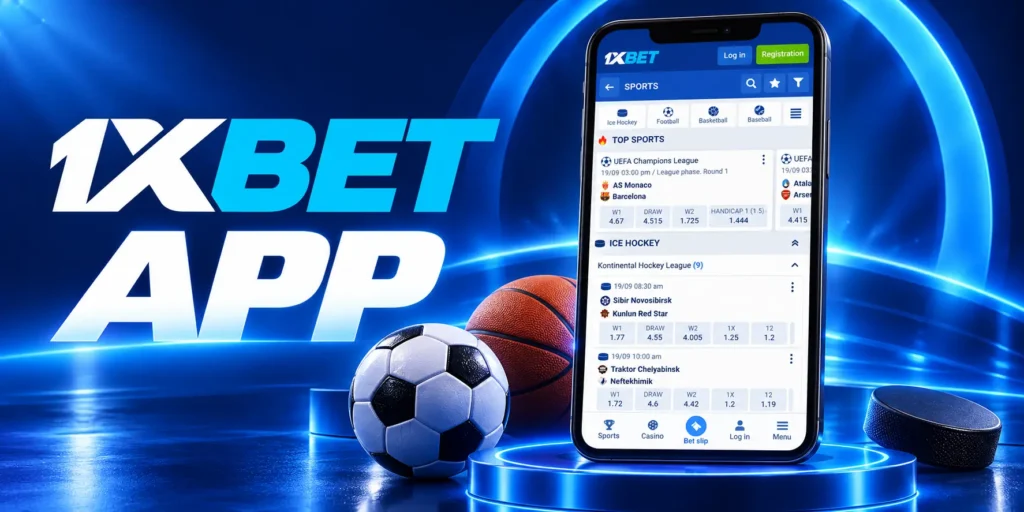
1xBet App
- The 1xBet app gives you access to our betting and gaming services through an interface designed for your phone. Sports markets, live betting, available casino games and account functions together so you can review selections, manage funds and follow activity from a supported device.
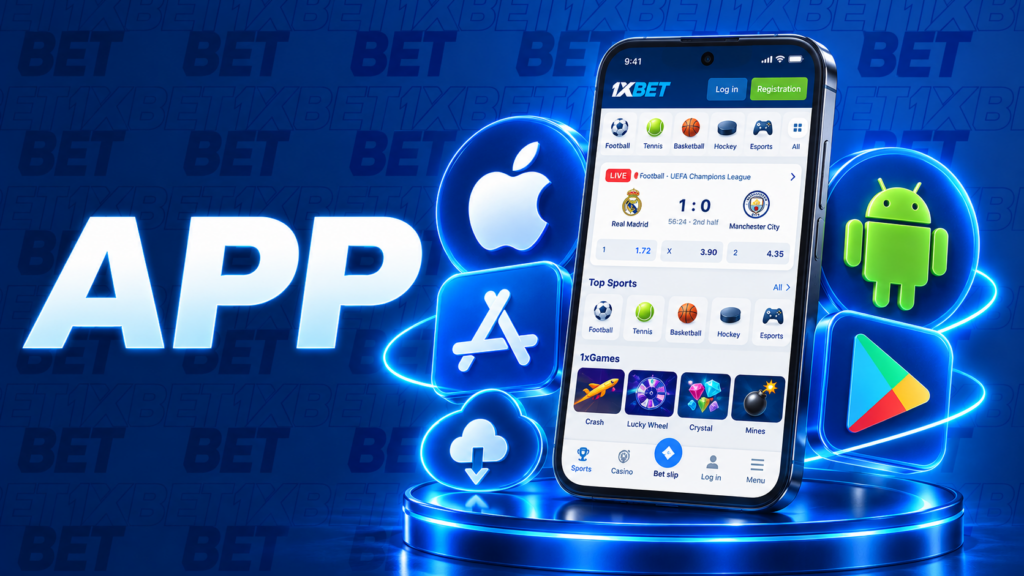
- Our 1xBet apps have installation routes for Android and Apple devices, subject to regional availability and compatibility. The official 1xBet app download page directs you to the appropriate option: an Android installation package or an available App Store listing. Check the current requirements before installing.
- You can sign in with your existing account rather than registering again. The services, payment methods and security controls offered depend on your region and account status. For 1xBet mobile access without installation, you can also use the supported mobile website.
This guide explains how to obtain and install the app, access your account and use its main functions. Updates, login protection and common technical issues, helping you choose the access method that works with your device.
1xBet App Overview
The 1xBet app and a mobile website for accessing your account from supported devices; the main differences concern installation, updates and device-specific controls.
| Feature | Android app | iOS app | Mobile website |
| Access route | Install the APK offered through our official regional download page. | Follow the official download page to an available App Store listing. | Open our official regional website in a supported browser. |
| Compatibility | Check the current Android requirements before installation. | Check the listing’s operating-system and device requirements. | Requires a compatible, updated browser. |
| Account access | Sign in to your existing account using a supported method. | Sign in to your existing account using a supported method. | Use the login options displayed on the website. |
| Updates | Follow the official download page or update instructions provided by the app. | Obtain updates through the App Store where supported. | No application package to update; keep your browser current. |
| Device features | Notifications and additional login controls depend on the version and permissions. | Notifications and biometric access depend on the version and device. | Available controls depend on the browser and website implementation. |
| Storage | Requires space for installation and app data. | Requires space for installation and app data. | Uses browser storage without a separate app installation. |
| Service availability | Depends on region, account status and the app version. | Depends on region, account status and the app version. | Depends on region and account status. |
Platforms and Versions
1xBet offer different installation routes for Android and Apple devices. An APK is an Android package and cannot be installed on an iPhone or iPad. For Apple devices, check the compatibility information in the linked App Store listing rather than assuming that every model is supported.
Version numbers, download sizes and operating-system requirements can change. Use our current regional download page and the relevant listing as your reference. Obtain updates through the official route, particularly if an older version no longer opens or signs in correctly.
App vs Mobile Website
The app gives you an installed interface, while the website opens directly in your browser. Both provide routes to your existing account, so you do not need another registration when changing interfaces.
For 1xBet mobile access without installation, use the website. If you prefer an installed application, check device compatibility and regional availability first. Neither option removes verification requirements, payment conditions or location restrictions.
A home-screen shortcut to the website may resemble an app icon, but it does not necessarily mean a native application is installed. Choosing the interface that supports your device and the functions you need.
App Features
Betting, gaming and personal account functions together in the mobile app. Available sections depend on your region, installed version and account status.
Sports and Live Betting
Our sports section lets you browse scheduled events, while Live lists available markets for events already in progress. Review the market conditions and bet slip before confirming a stake.
- Event navigation. Find fixtures by sport and competition, then open an event to view its available markets.
- Market selection. Choose from outcomes such as match results, handicaps and totals where offered.
- Bet slip. Review your selections, accepted odds, bet type, total stake and potential return. Available combinations depend on the selections and applicable rules.
- Live markets. Odds can change and betting may pause during significant incidents. A selection added to the slip becomes a wager only after acceptance.
- Cricket access. You can use our app as a 1xBet cricket betting app where cricket markets are available.
- Bet records. Open bet history to check accepted wagers and settlement rather than relying on a score display alone.
Casino and 1xGames
Access to available casino titles and short-round games through their respective sections. Open each game’s information panel before playing.
- Slots and casino games. Check the paytable, total stake, payout rules and any optional paid features.
- Live dealer tables. Review table limits and game variants, then place bets within the betting window.
- 1xGames. Available titles use different mechanics, including instant results, rising multipliers or successive stages. Similar animations do not establish identical rules.
- Game cash-out. In games that offer collection during a round, cash-out credits the applicable return to your gaming balance. It is separate from a bank or wallet withdrawal.
- Bonus eligibility. Check whether a title qualifies for your promotion and how its stakes count towards wagering.
Payments and Account Management
After completing the 1xBet app login, you can access the account controls offered in your version. Use your existing credentials and complete any additional authentication requested.
- Balance review. Check the displayed currency and any separate cash or bonus balances. The total shown may differ from the amount available to withdraw.
- Deposits. Select an available method, review its limits and instructions, then confirm that funds have been credited.
- Withdrawals. Choose an eligible destination, check account requirements and retain the request reference until receipt.
- Profile information. Keep personal and contact details accurate. Follow the official process for fields that cannot be edited.
- Security and verification. Review available authentication settings and complete document requests through the specified channel.
- Support enquiries. Provide the relevant payment, bet or game-round reference when reporting an issue.
How to Install the 1xBet App
Installation instructions through our official regional mobile page. Start your 1xBet app download there to find the version offered for your device and location.
- Open our official regional website. Find Mobile apps or the equivalent download section.
- Select your device platform. Choose Android or iOS.
- Download the 1xBet app for Android. Select the official Android download and wait for the APK to finish saving. Open it from your browser’s downloads or file manager.
- Use the App Store on supported Apple devices. Follow the iOS link from our website, review the listing and check whether your iPhone or iPad is supported. Tap Get or the download icon and confirm through your Apple account.
- Finish installation and review permissions. Open the installed app and read any permission requests.
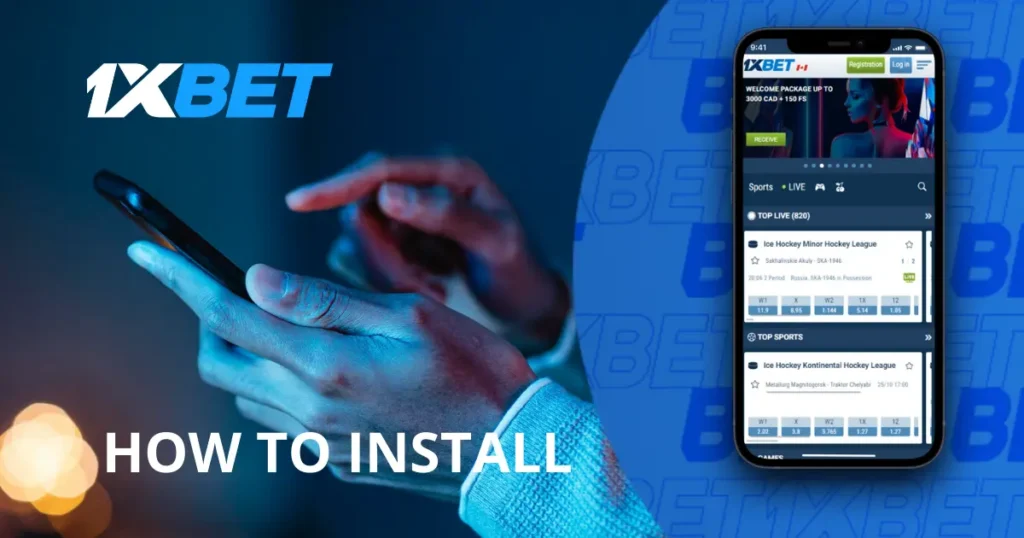
Updating the App
Obtaining each 1xBet app update through the official route for your installed version. Check compatibility before updating, since a newer release may have different device requirements.
- Check for an update. Review any update notice shown in the app or visit our official regional download page.
- Confirm the source. Start your 1xBet app update download from our verified website or the applicable store.
- Update on Android. Follow the app’s update instructions or download the current official APK.
- Update on iPhone or iPad. For an app installed through the App Store, use the store’s update process.
- Check the result. Open the app, sign in if requested and confirm that the expected account is accessible.
- Report persistent problems. If a 1xBet update fails or the app no longer opens, send us the device model, operating-system version, app version where visible and exact error message.