




How to download the official 1xBet APK, check Android compatibility, allow installation and sign in with your existing account. Our guide also covers updates, common installation errors and ways to distinguish official download sources from suspicious files.
Android App Download Guide
- The 1xBet APK is the installation package for our Android app. You download the file to a compatible Android phone or tablet, then open it to install the application. The app brings sports betting, live markets, available casino games and account tools into one mobile interface.
- Start your 1xBet APK download from the mobile apps section of our official regional website. Before installing, check the current device requirements and available storage. Android may ask you to allow installation from the browser or file manager used to open the package. Review that permission for the selected source rather than disabling your device’s security protections.
- Once installed, you can sign in with your existing 1xBet account, review your betting history and access the payment methods available to you. There is no need to register again when moving from the website to the app. Individual services depend on your region, account status and app version.
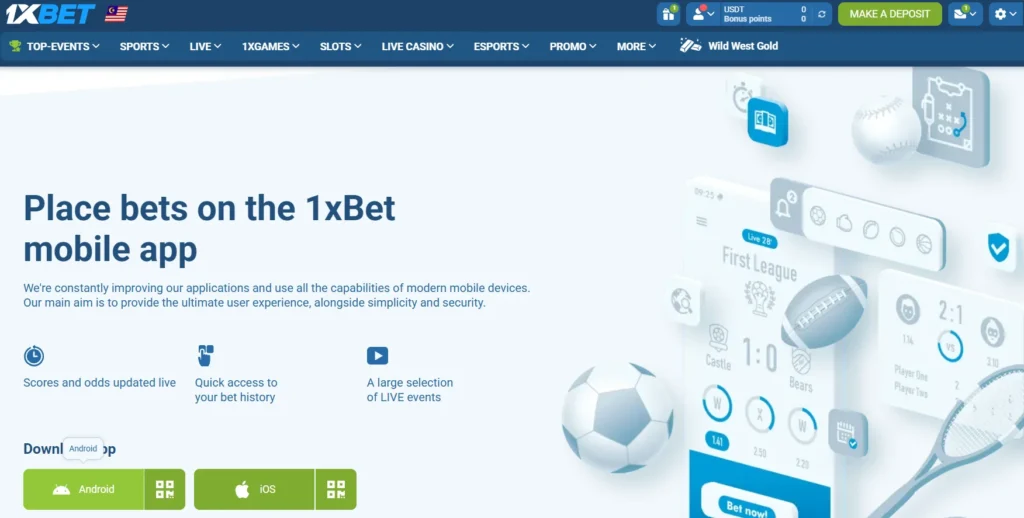
What the 1xBet APK Is
1xBet APK as an Android installation file containing the app’s code and resources; downloading it saves the package to your device, while installing it creates the application you can open and use.
| Item | What it means for your device |
| File format | APK stands for Android Package Kit. Android uses this package to install the application; it cannot install an iPhone or iPad app. |
| Download source | Obtain our Android package through the mobile apps section of our official regional website. A familiar filename or logo alone does not establish that a file is genuine. |
| Download and installation | These are separate steps. After the download finishes, open the file and follow Android’s installation prompts. An incomplete download may fail to install. |
| Device compatibility | Your device must meet the requirements for the current release. Check the supported Android version before downloading, particularly on older phones and tablets. |
| Installation permission | Android may require permission for the browser or file manager opening the APK to install apps. This permission concerns the installation source, rather than the permissions the app uses after installation. |
| App permissions | Review any access requests separately. Notification and other permissions control specific device functions and can be managed through Android settings. |
| Storage use | Allow space for the downloaded package, installed application and app data. The APK’s file size does not represent the app’s total storage use. |
| Internet connection | Downloading and using online betting, gaming and account services require connectivity. Installing the package does not make these services available offline. |
| Account access | Sign in with your existing 1xBet account after installation. Your balance and betting records belong to that account, rather than to the downloaded file. |
| Updates | A newer APK can update a compatible installation when Android accepts it as the same application. Follow our official update instructions; a package conflict should be investigated before removing the installed app. |
| Downloaded file removal | After successful installation, deleting the saved APK does not uninstall the app. Uninstalling the application is a separate action in your device settings. |
For your 1xBet download on Android, checking the source and compatibility first, then reviewing the installation prompts before proceeding.
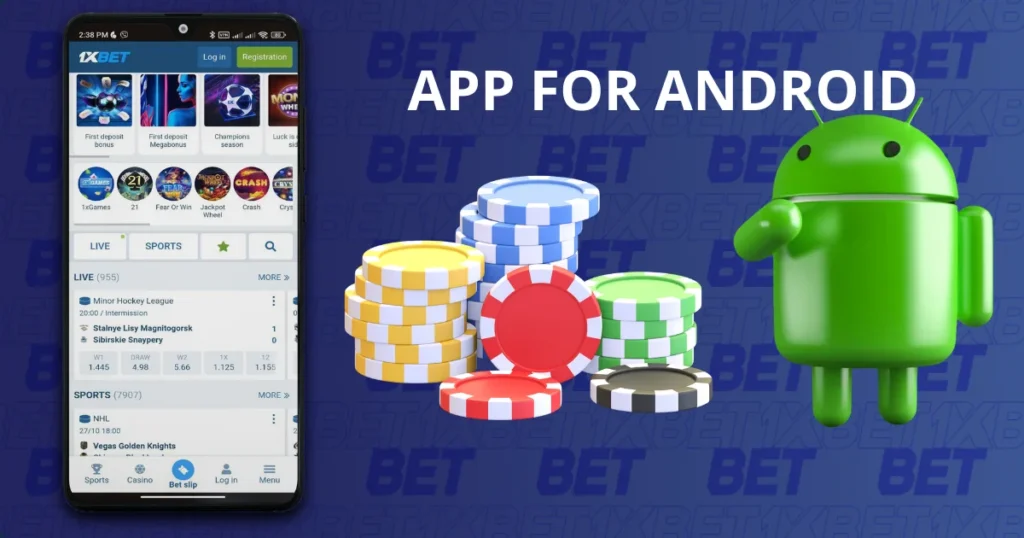
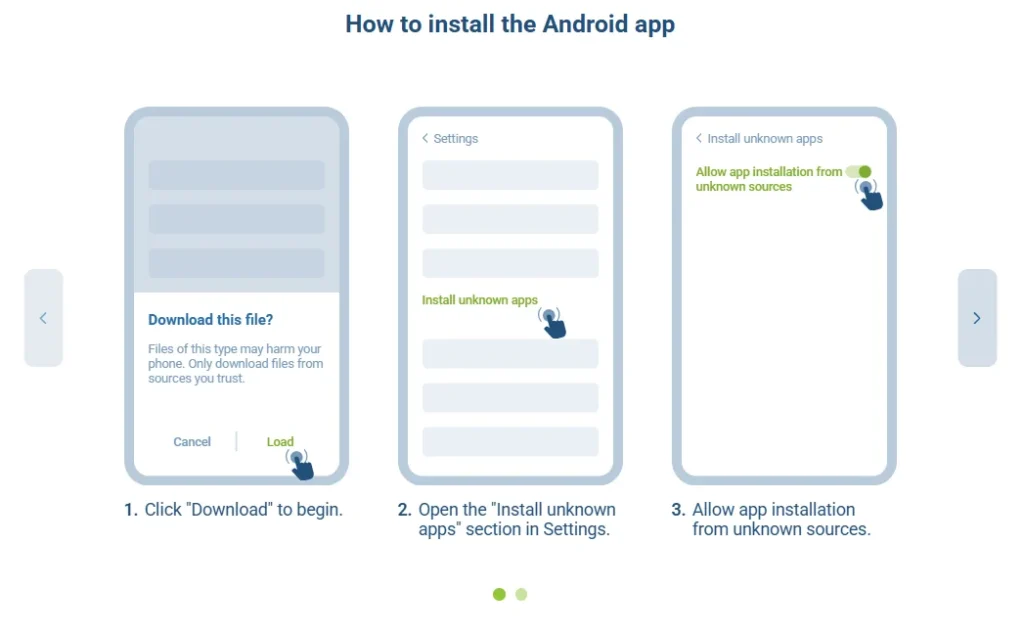
How to install the Android app
1. Click “Download” to begin.
2. Open the “Install unknown apps” section in Settings.
3. Allow app installation from unknown sources.
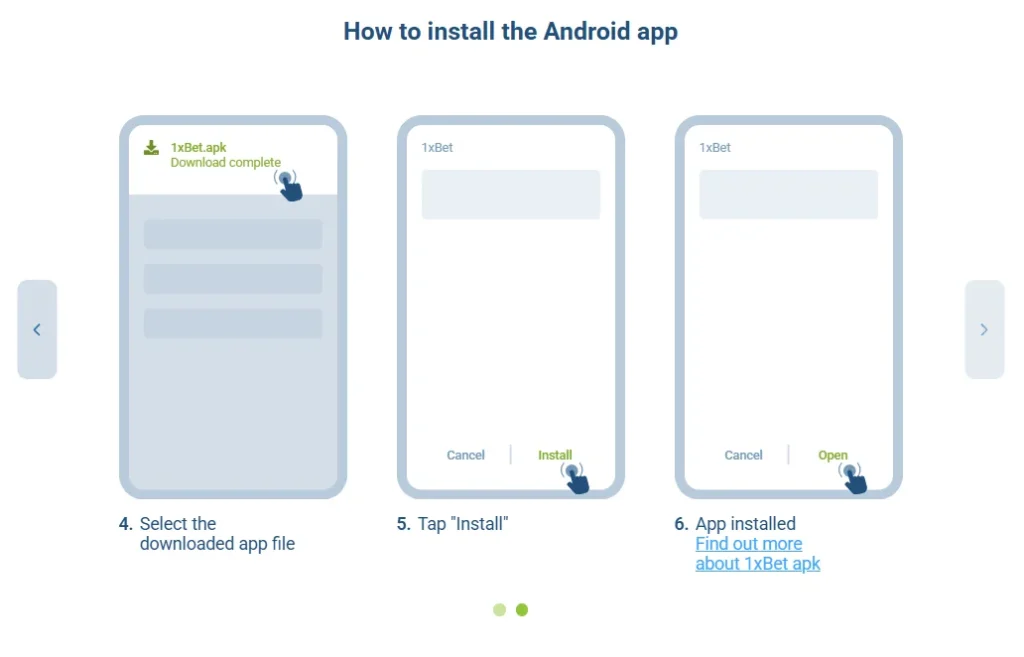
4. Select the downloaded app file
5. Tap “Install”
6. App installed
Find out more about 1xBet apk
Updating the 1xBet APK
Obtaining each 1xBet update through our official regional download page or the update instructions provided in the app, then checking that installation completes successfully.
- Check your installed version. Open the app’s settings or information section if a version number is displayed. You can also check Android’s Settings → Apps → 1xBet, although the location of version details varies by device. Compare it with the release information provided through our official download route.
- Review compatibility before downloading. A newer release may have different Android requirements.
- Download the latest official package. Follow the Android download option on our regional website. For the latest version of the 1xBet APK, use the file provided there rather than a saved package from an earlier download.
- Install over the existing app when supported. Close the app, open the new APK and follow Android’s update prompt. A compatible update normally preserves local app data, but you should still have your login details and authentication method available.
- Review installation permissions. If you previously removed permission for your browser or file manager to install apps, Android may request it again.
- Investigate package conflicts. If Android reports a signature conflict, an incompatible package or a security warning, stop and verify the download source.
- Check the app after updating. Open it, sign in if requested and confirm your account details and recent records.
- Remove the completed download if needed. Once the update works, you can delete the APK from your Downloads folder to recover storage.